FocusGuard | Screen Time and Focus Management App
An Android application that helps users manage smartphone use and reduce distractions through screen time monitoring, usage limits, tiered alerts, and focus sessions, supported by reports showing daily habits and usage trends over time.
FocusGuard was developed as a graduation project to support digital wellbeing and encourage more balanced smartphone habits. It combines usage monitoring with self-management tools, helping users understand their behavior and adjust it to suit their daily needs.
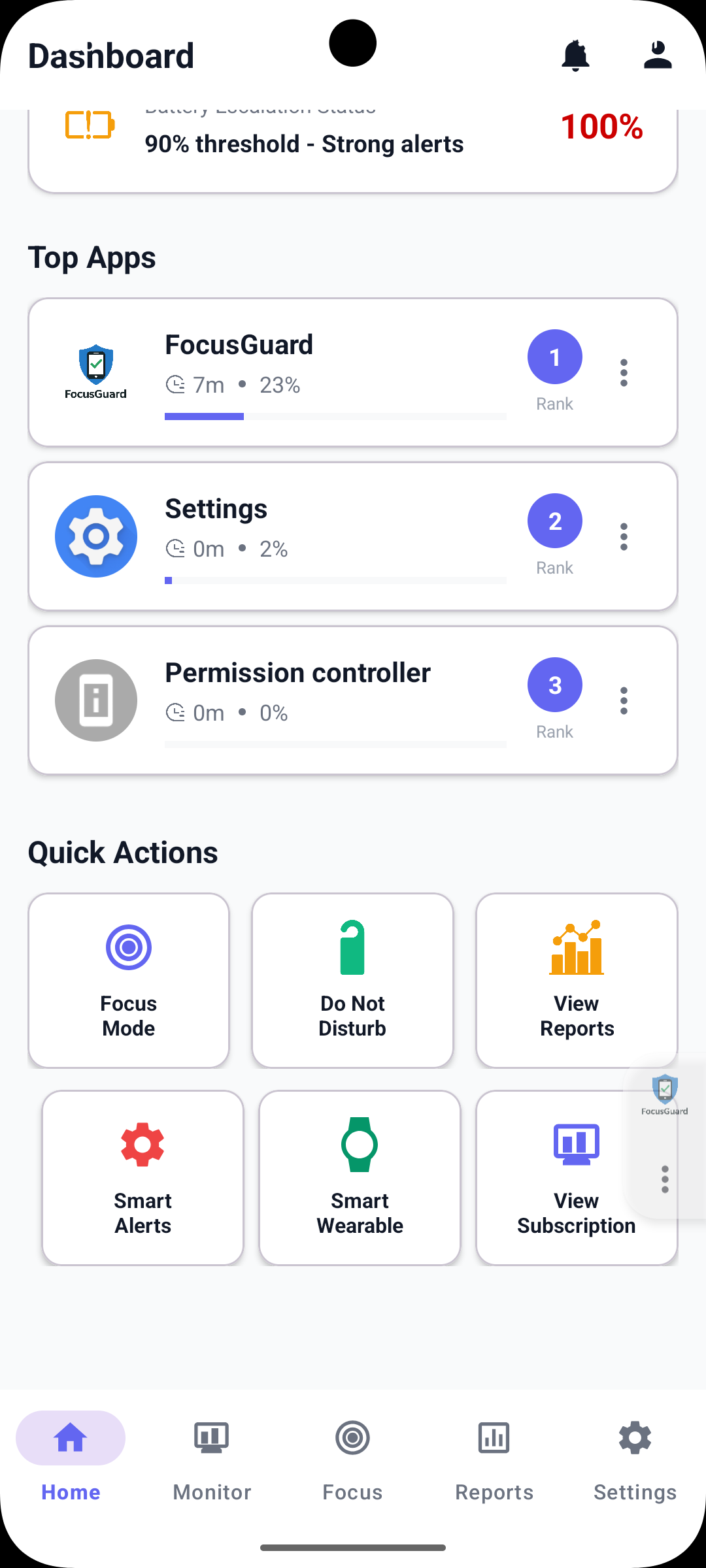
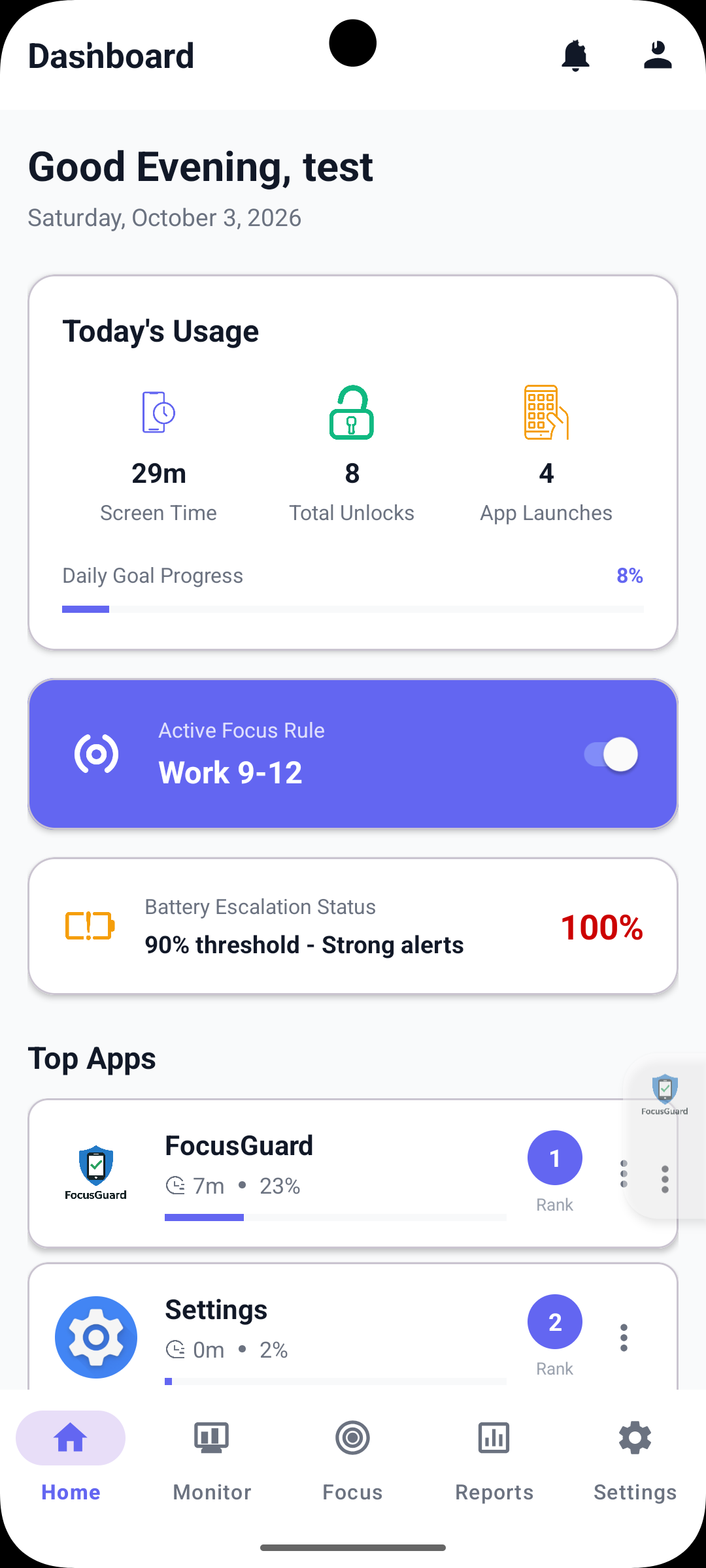
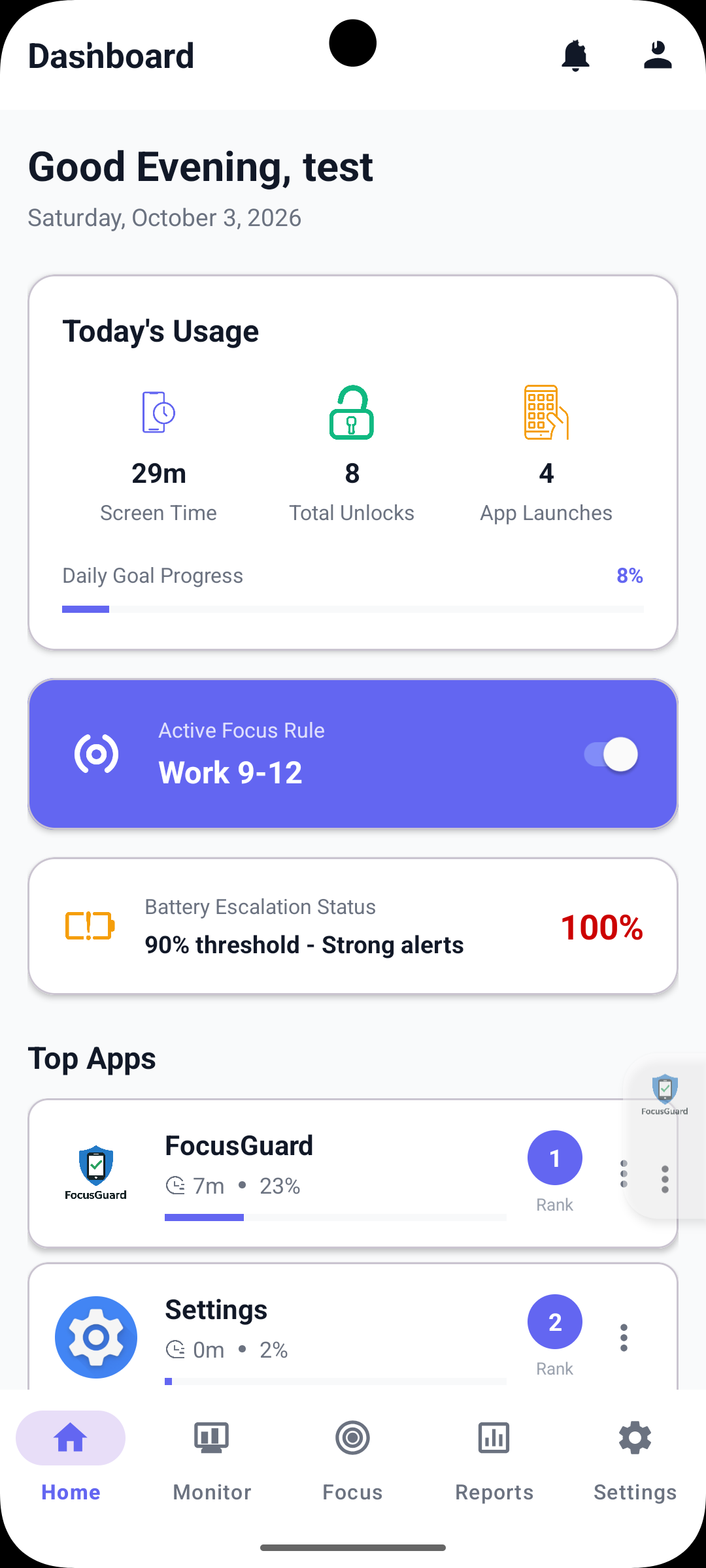
The dashboard displays screen time, device unlocks, app launches, most-used applications, and progress toward a daily goal. Users can also set usage limits and schedule focus periods around work and study.
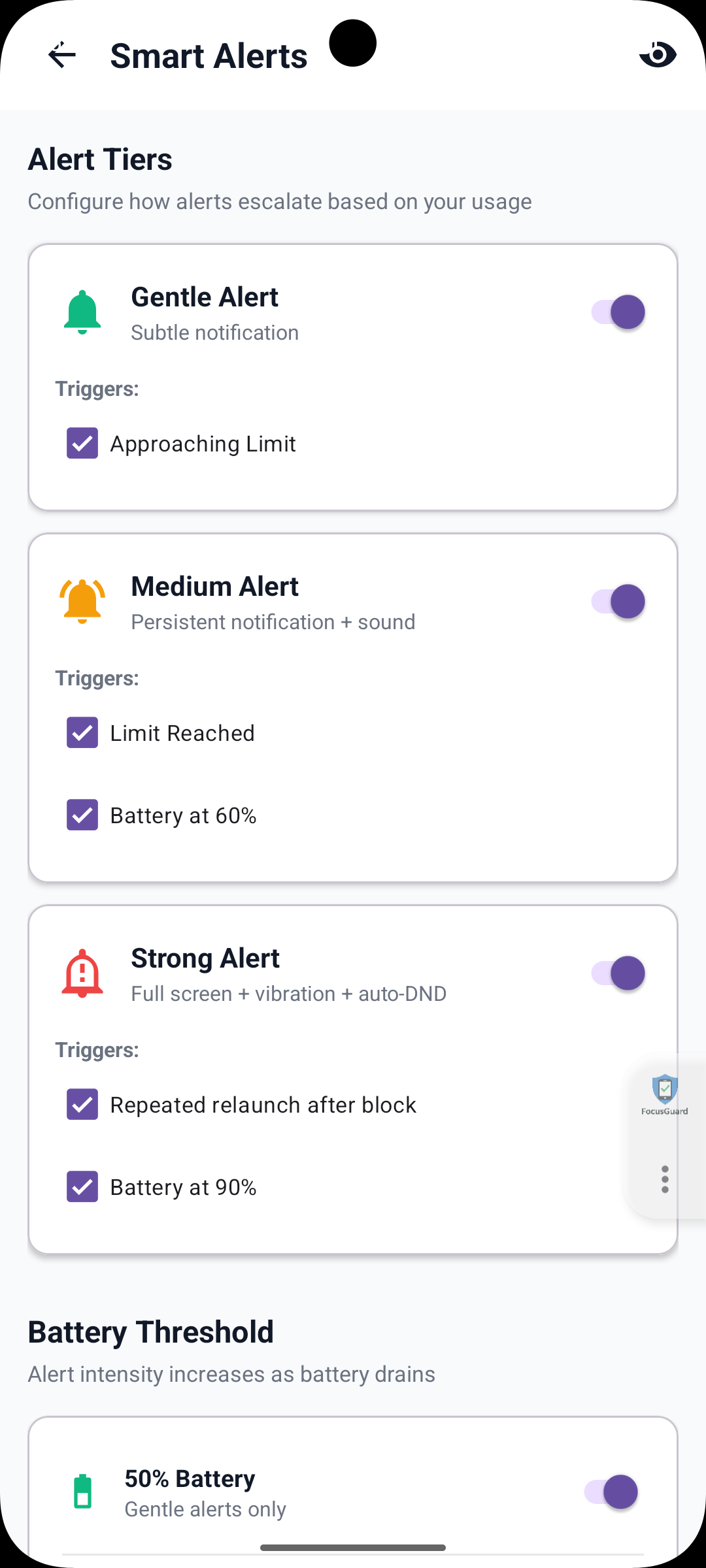
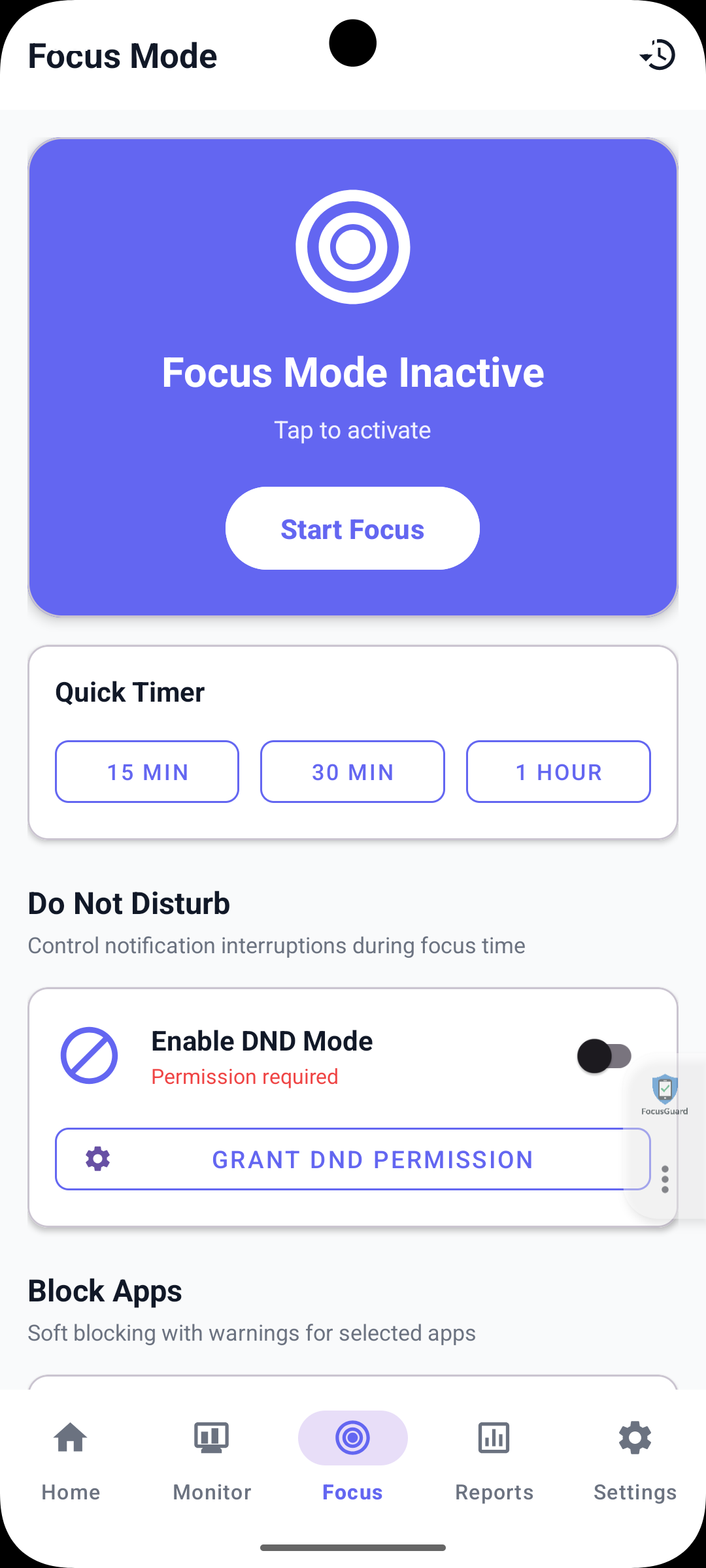
FocusGuard uses tiered alerts that begin with a gentle reminder when a usage limit is approaching and become more prominent when the limit is exceeded. Alerts can be configured around usage thresholds and battery settings. Focus Mode provides timed sessions, optional Do Not Disturb activation after the required permission is granted, and warning screens that discourage access to selected applications.
Key Features:
• Monitor screen time, device unlocks, and app launches.
• View frequently used applications and their share of usage.
• Set daily goals and limits, and schedule focus periods.
• Customize alert levels, sounds, and vibration.
• Start timed focus sessions using quick timer options.
• Enable Do Not Disturb with the required permissions.
• Discourage access to selected apps through soft blocking and warnings.
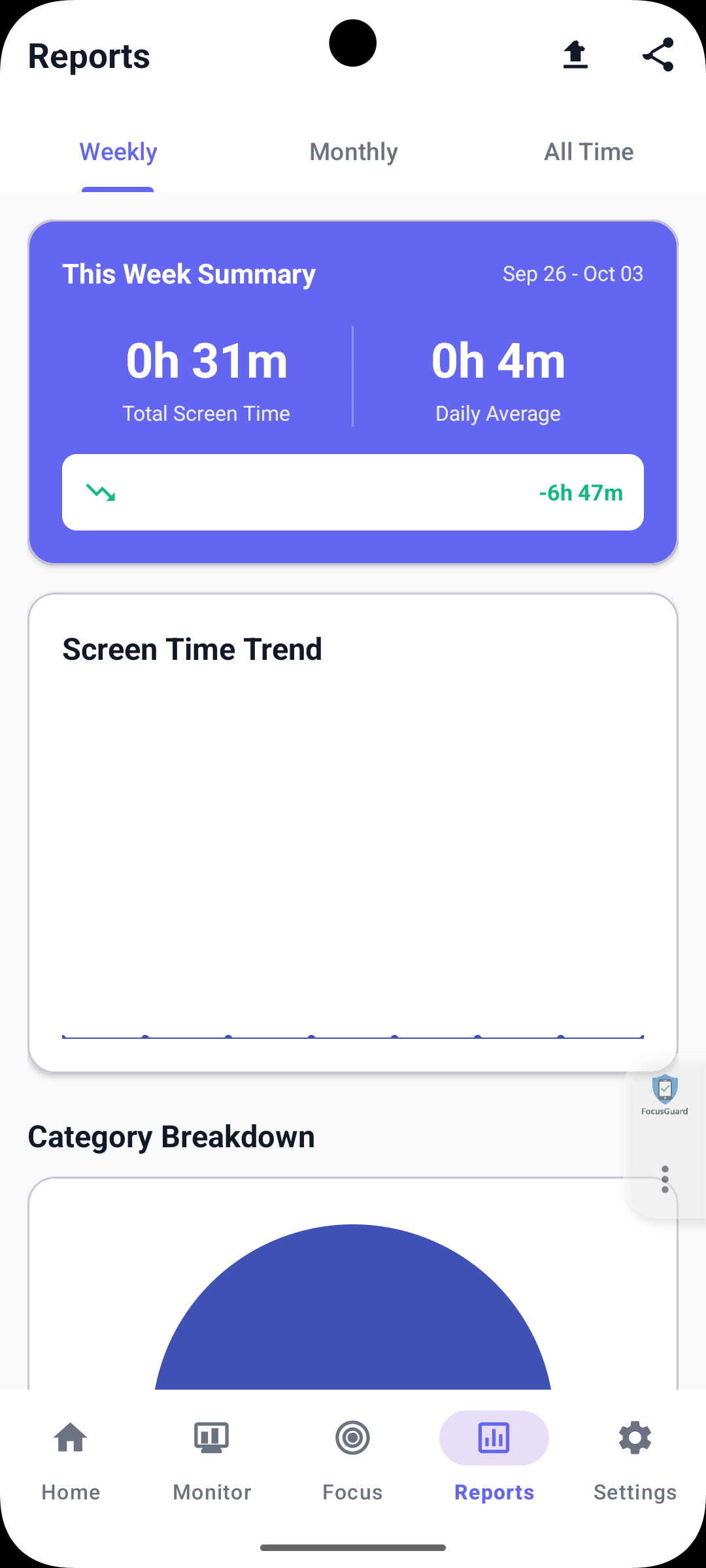
• View weekly and monthly reports and usage trends.
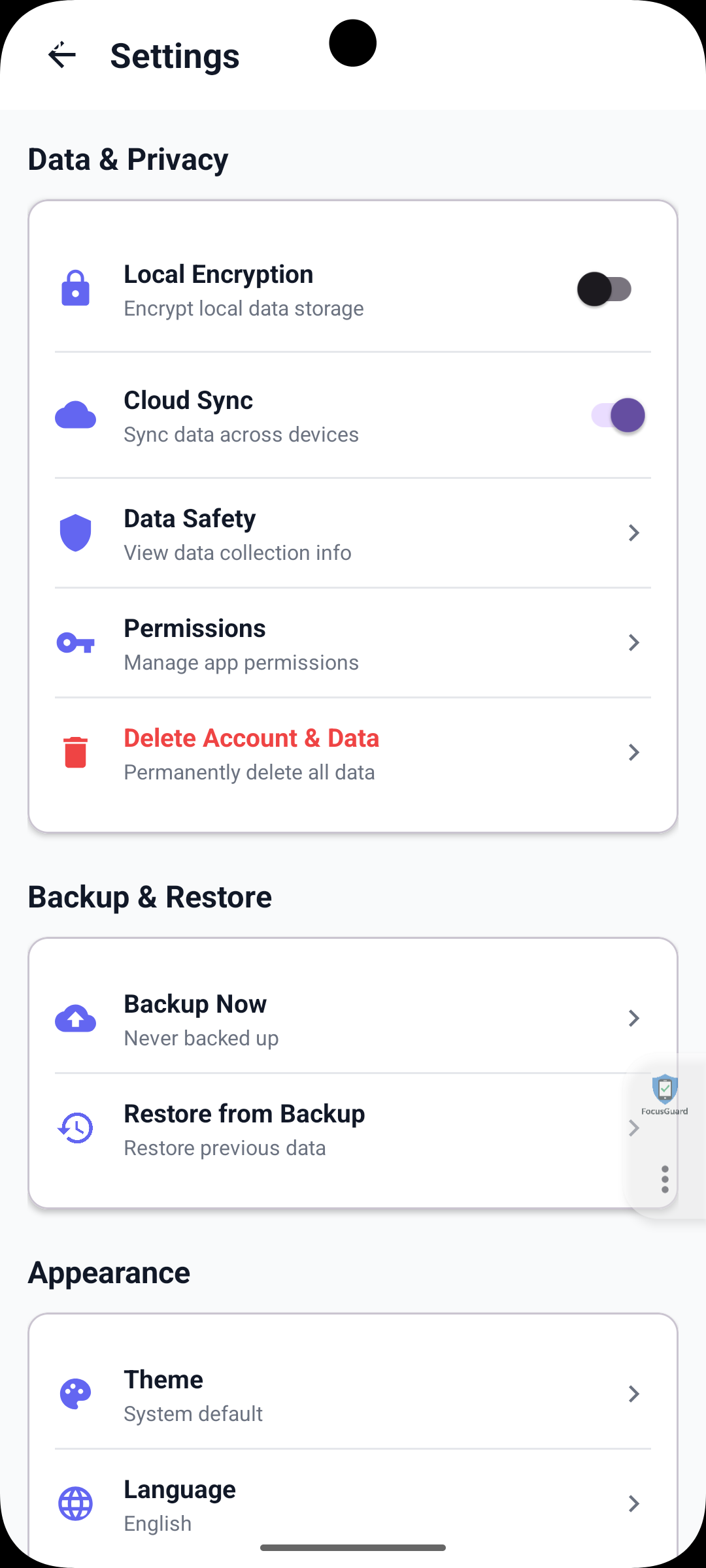
• Access cloud synchronization options and permission settings.
The application was built using Java and XML layouts in Android Studio, with Firebase services, FCM, and Android APIs for app usage monitoring. The project brings monitoring, alerts, and reporting together in a practical mobile experience designed to support focus and more mindful smartphone use.
Project screenshots